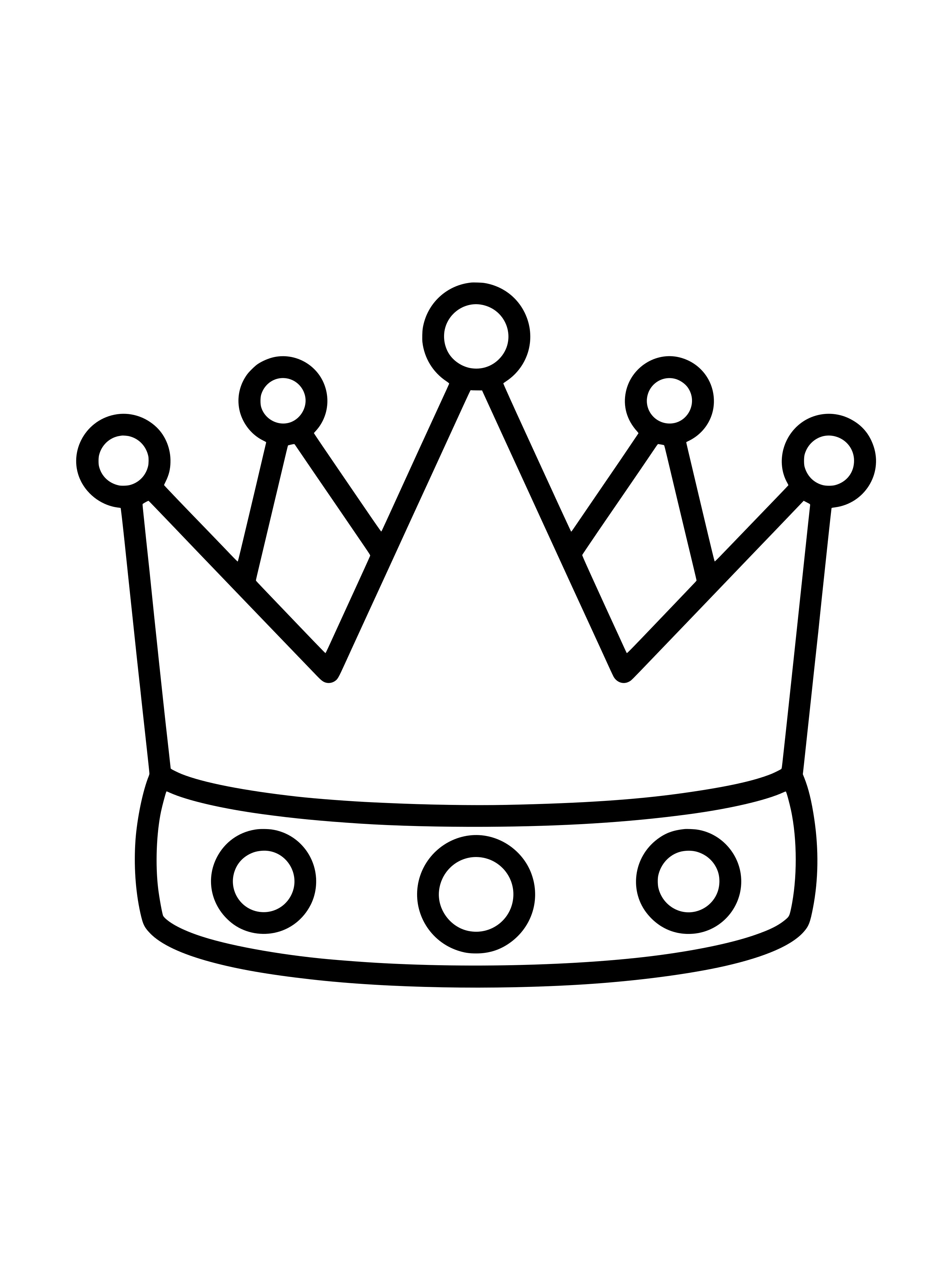
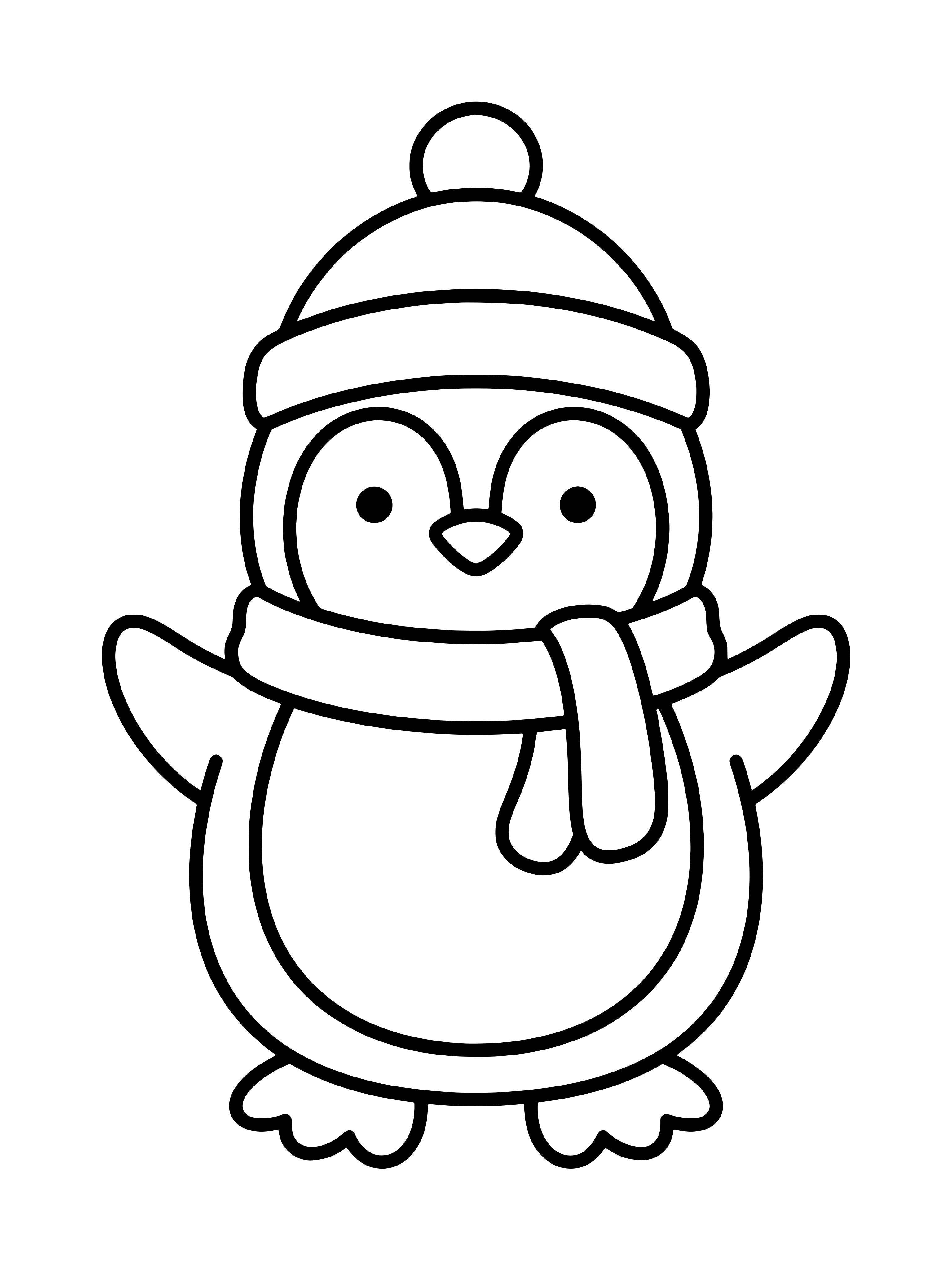
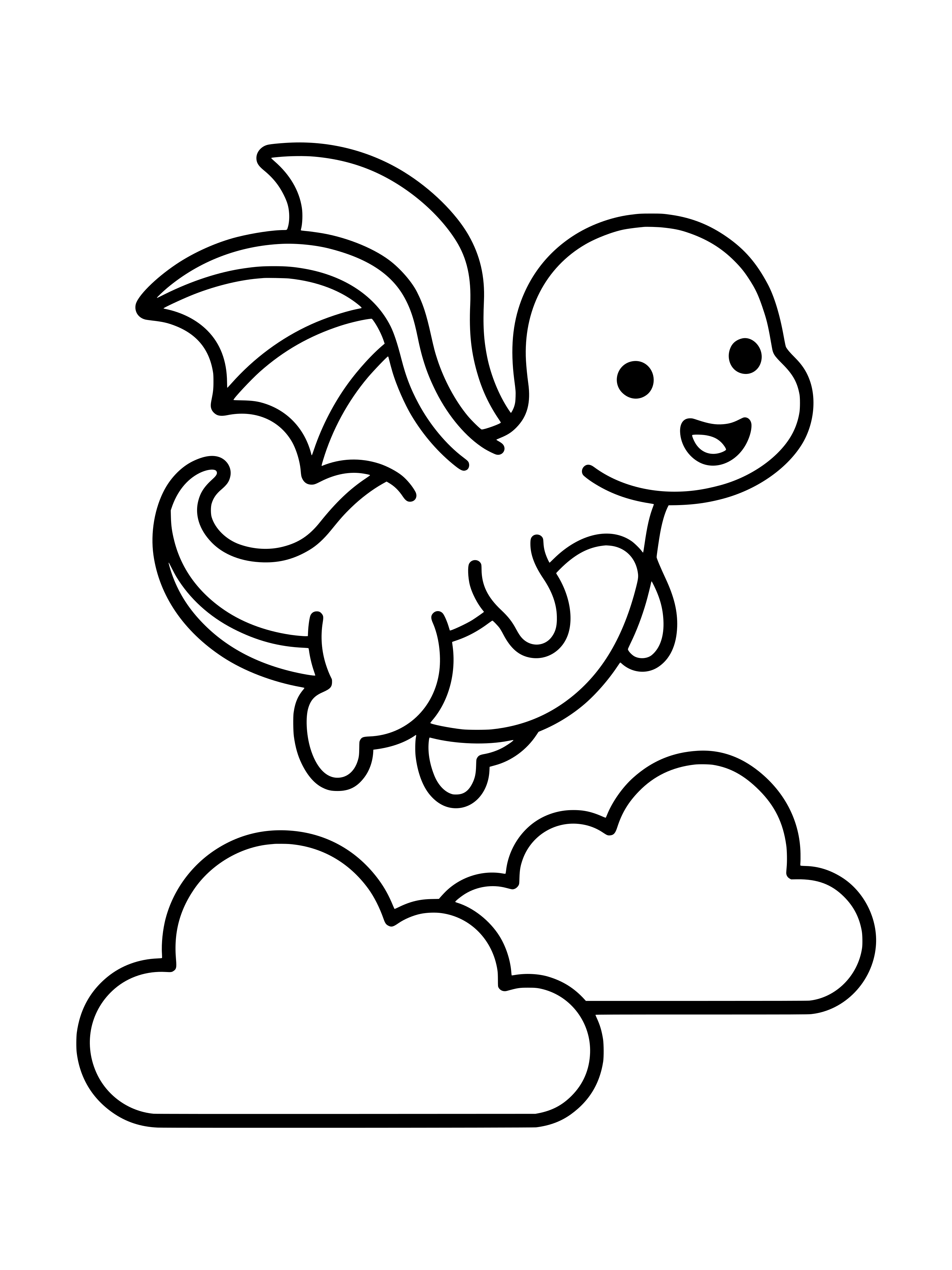
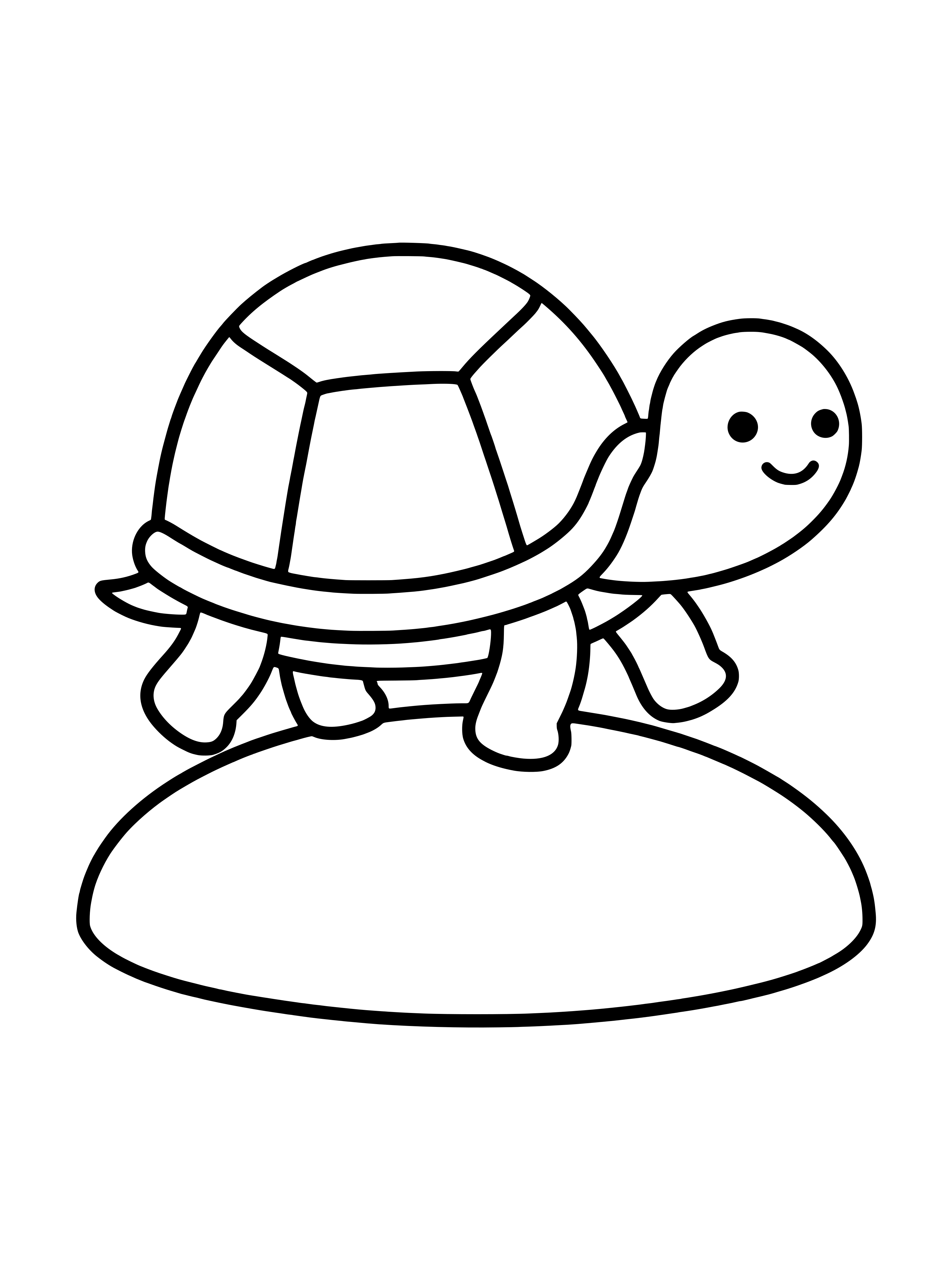
100 drawings to copy.On real paper, with a real pencil.
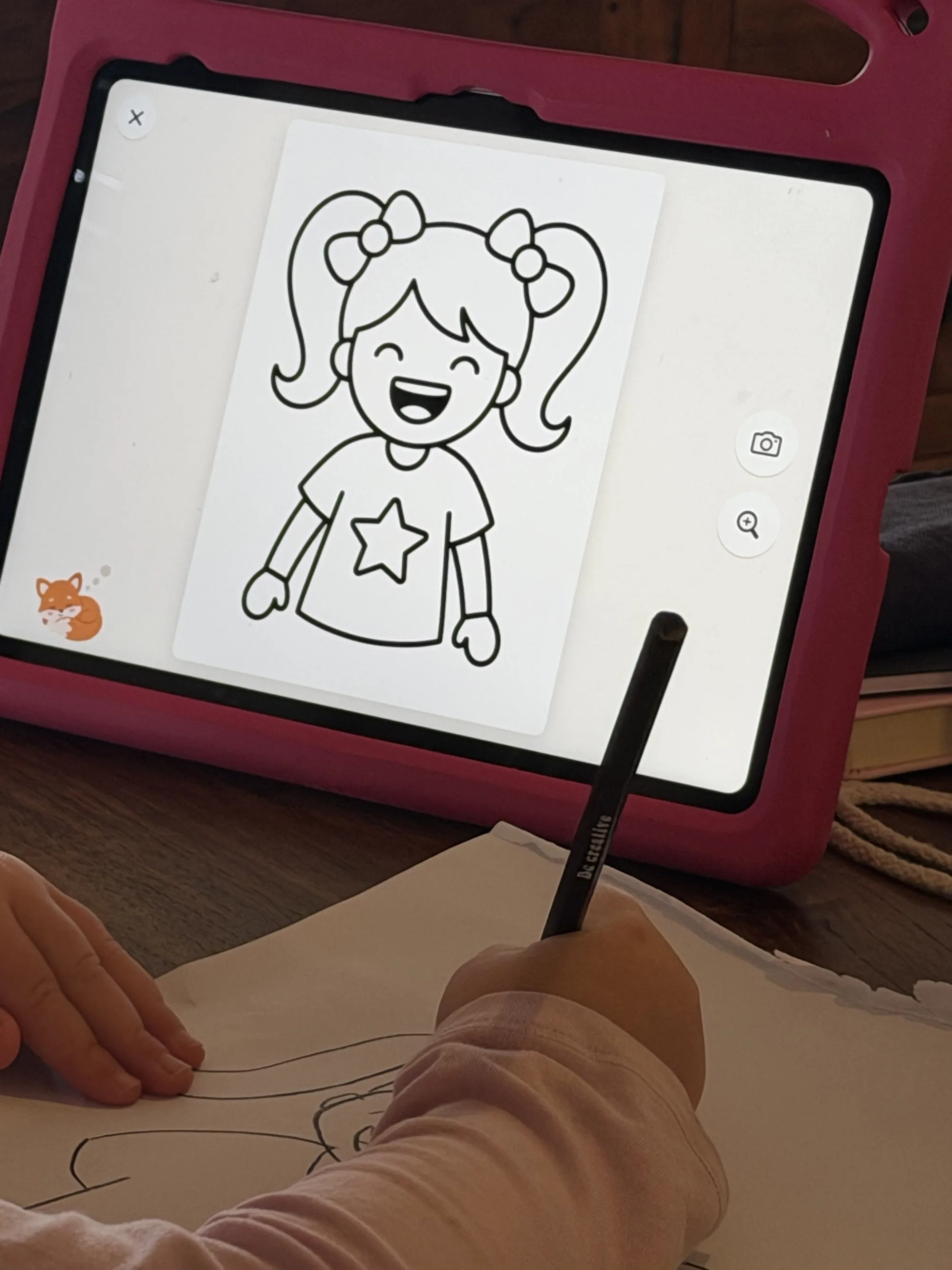
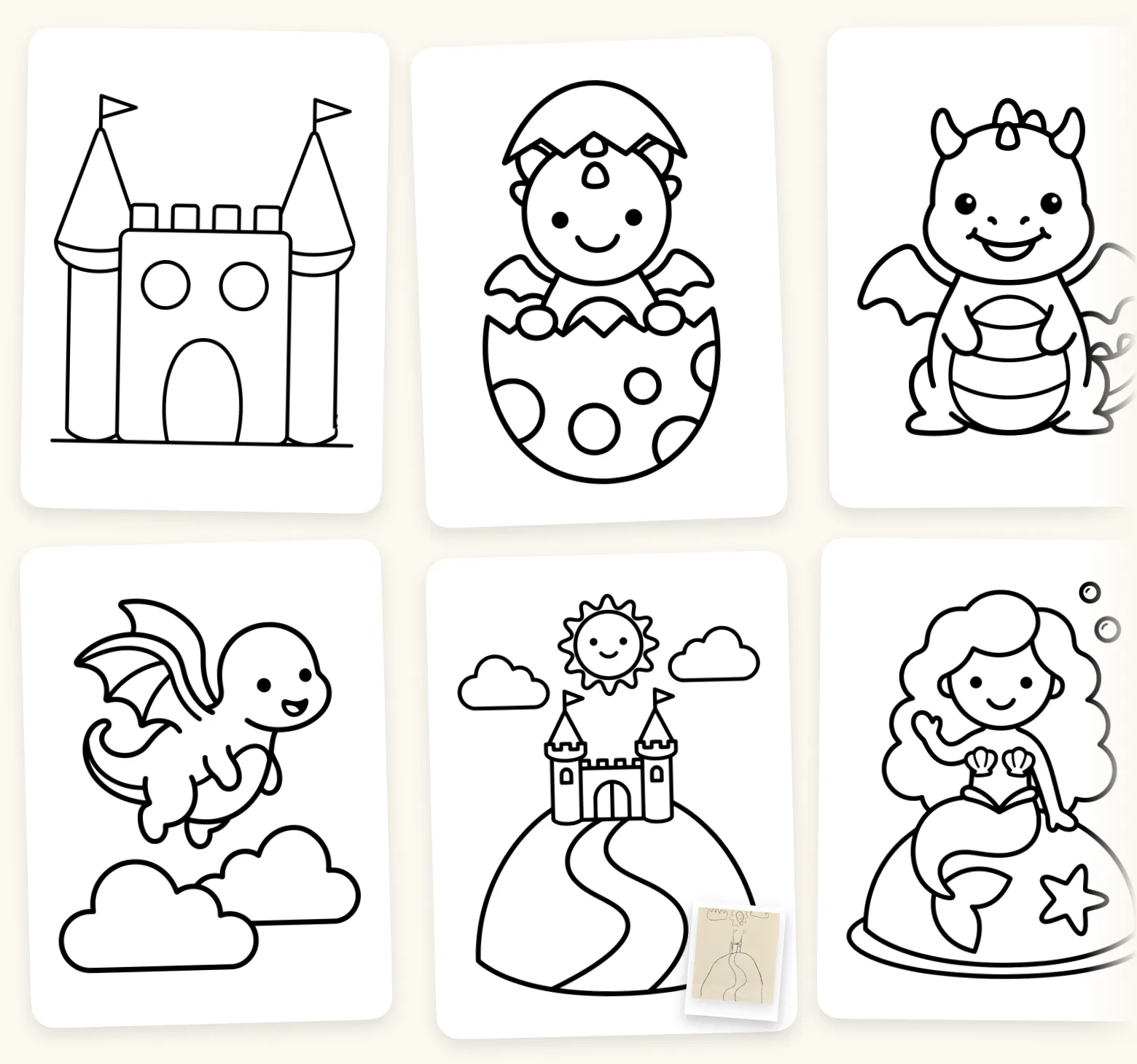
Rable is a little fox with a book full of line drawings: princesses, dragons, animals, cars and Santa. Your child picks one, stands the iPad next to the paper and draws with a pencil. Afterwards, your child takes a photo and collects the drawings in their own sketchbook. The iPad and the paper, side by side.
 iPad · iPadOS 17 or later · Free to tryIn English, Swedish, Danish, German and Norwegian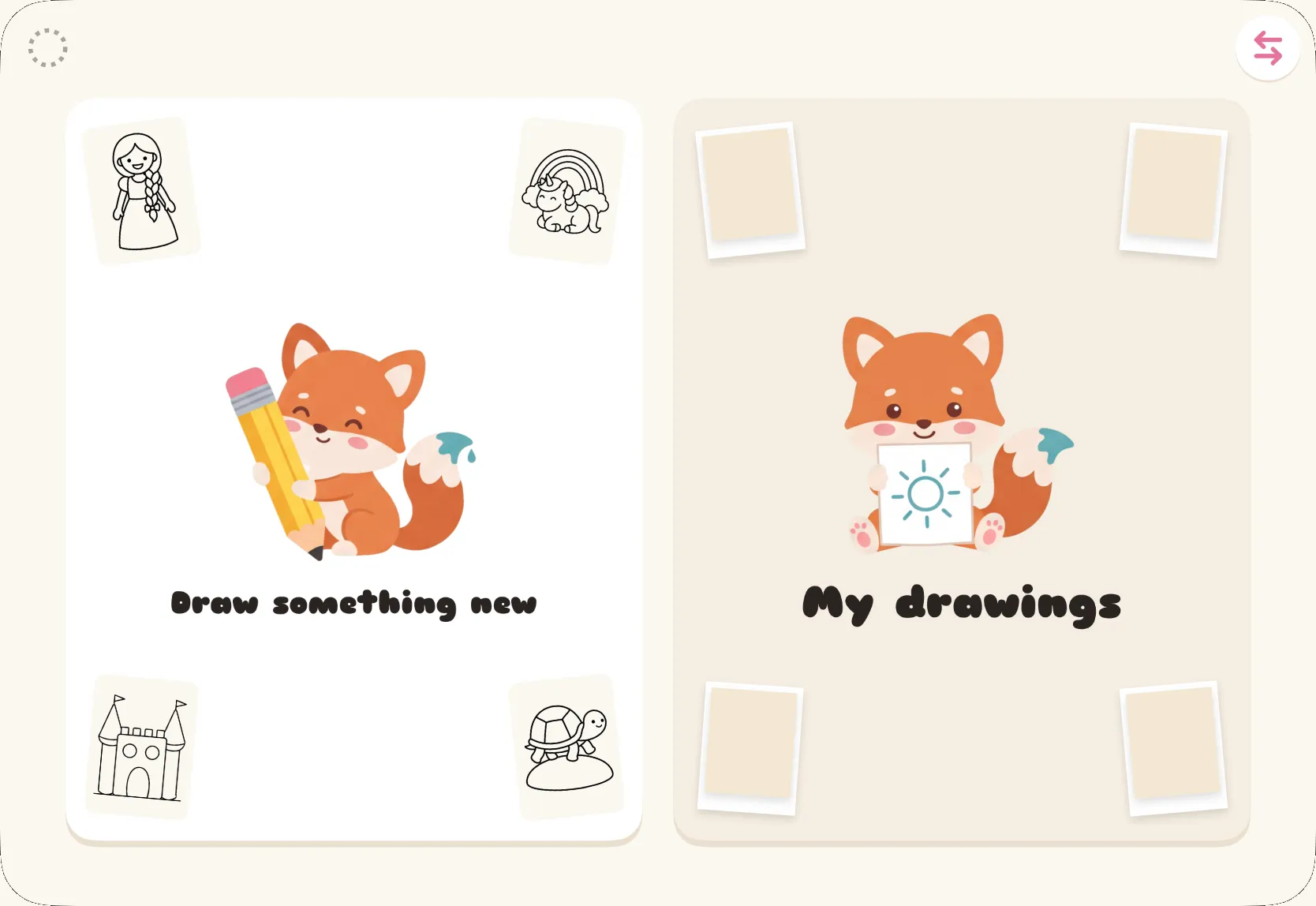
Kids need pencils, not pixels…
Rable is a drawing app that gets children drawing with pencil and paper. The iPad is just the inspiration your child copies from. Everything happens on the paper: the pencil, the rubber and the colouring in afterwards. The way it should be, for small children and big ones.
How it works
 1
1Pick a drawing
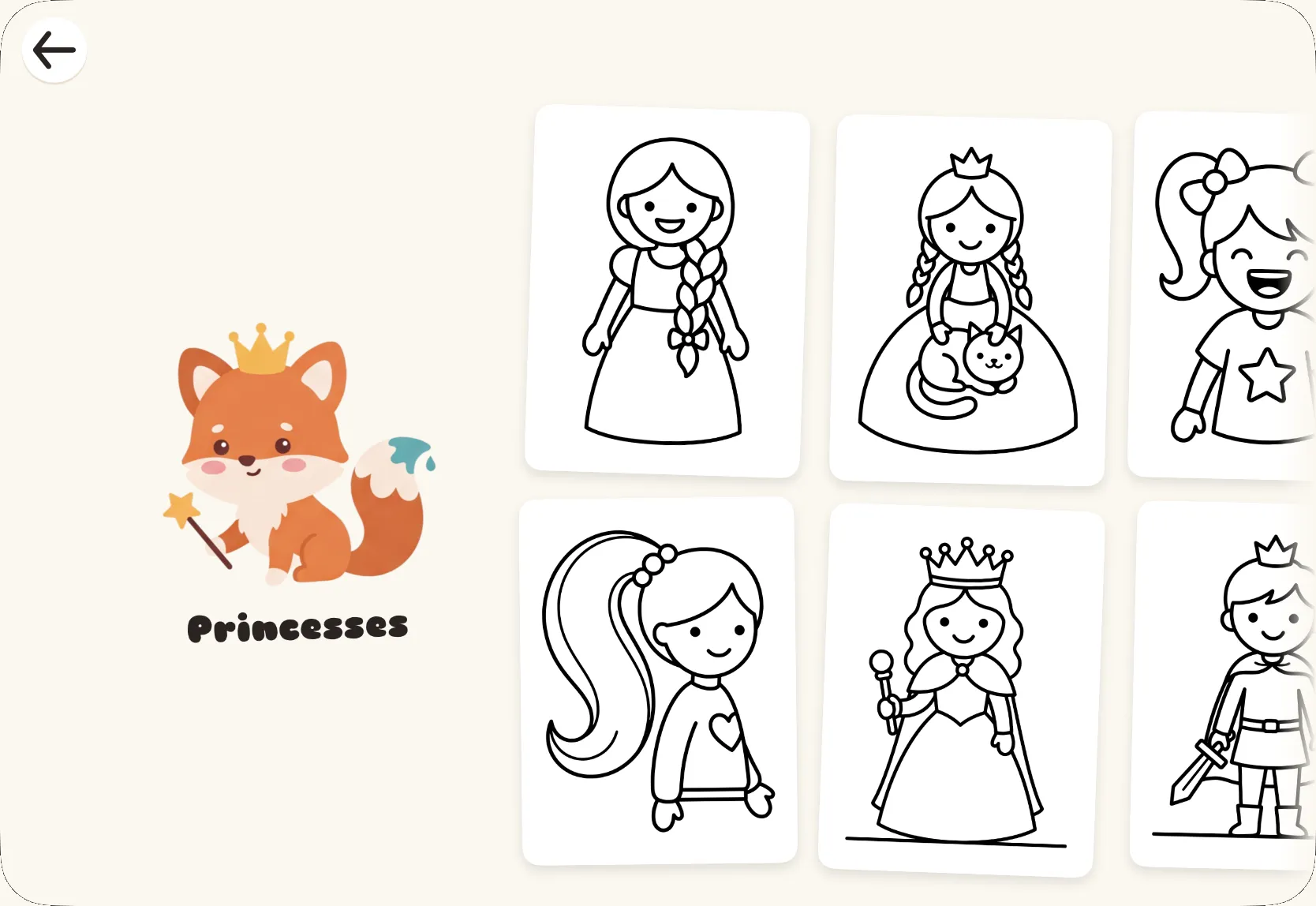
Your child swipes sideways through the roll, one category at a time, and picks the drawing they most want to draw.
 2
2Stand the iPad up
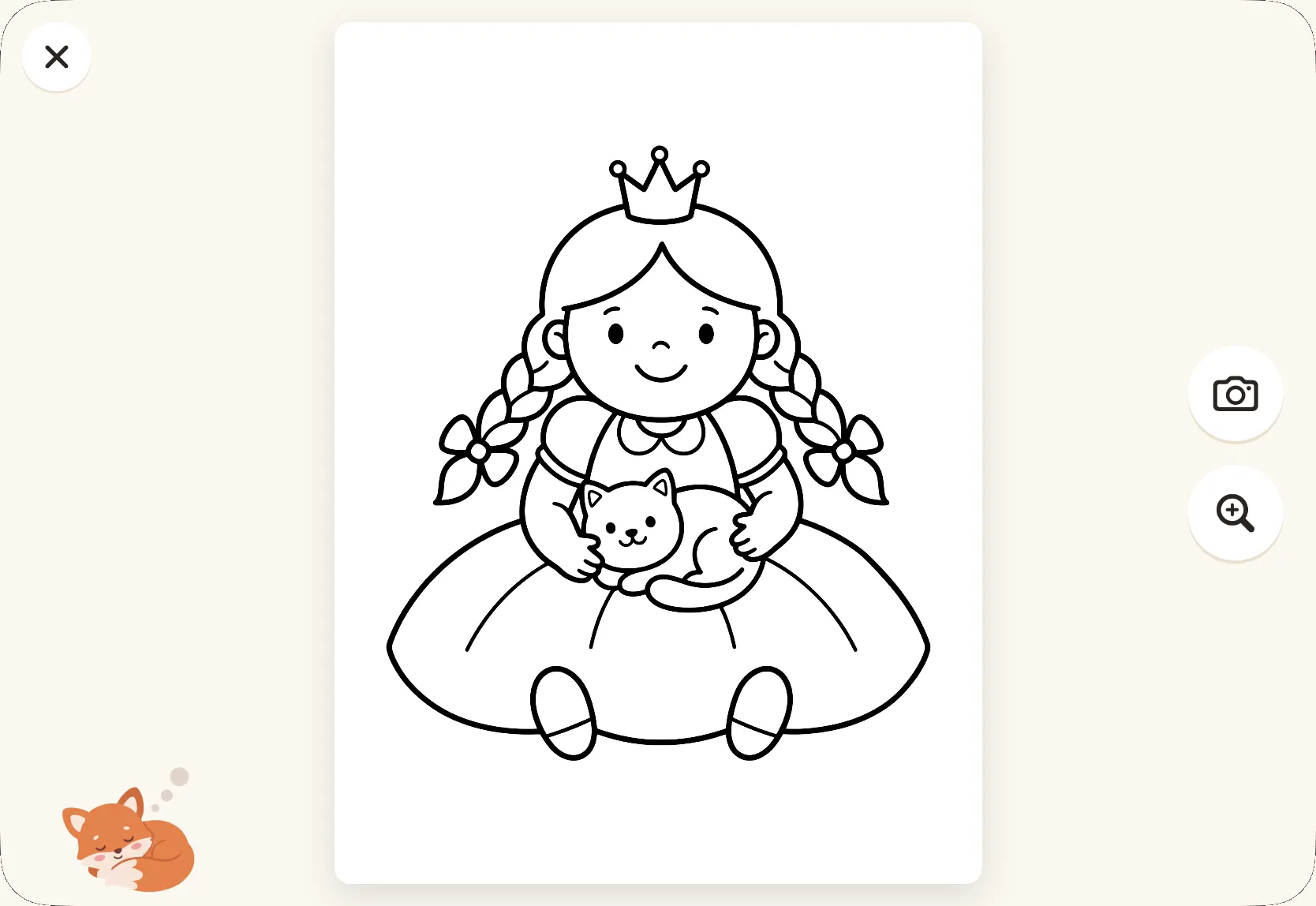
The drawing stays on the screen to copy from, with simple helpers like a magnifier and grid lines.
- 3
Take your time
With a pencil, felt-tips or crayons. Time to take care, colour it in and be creative.
 4
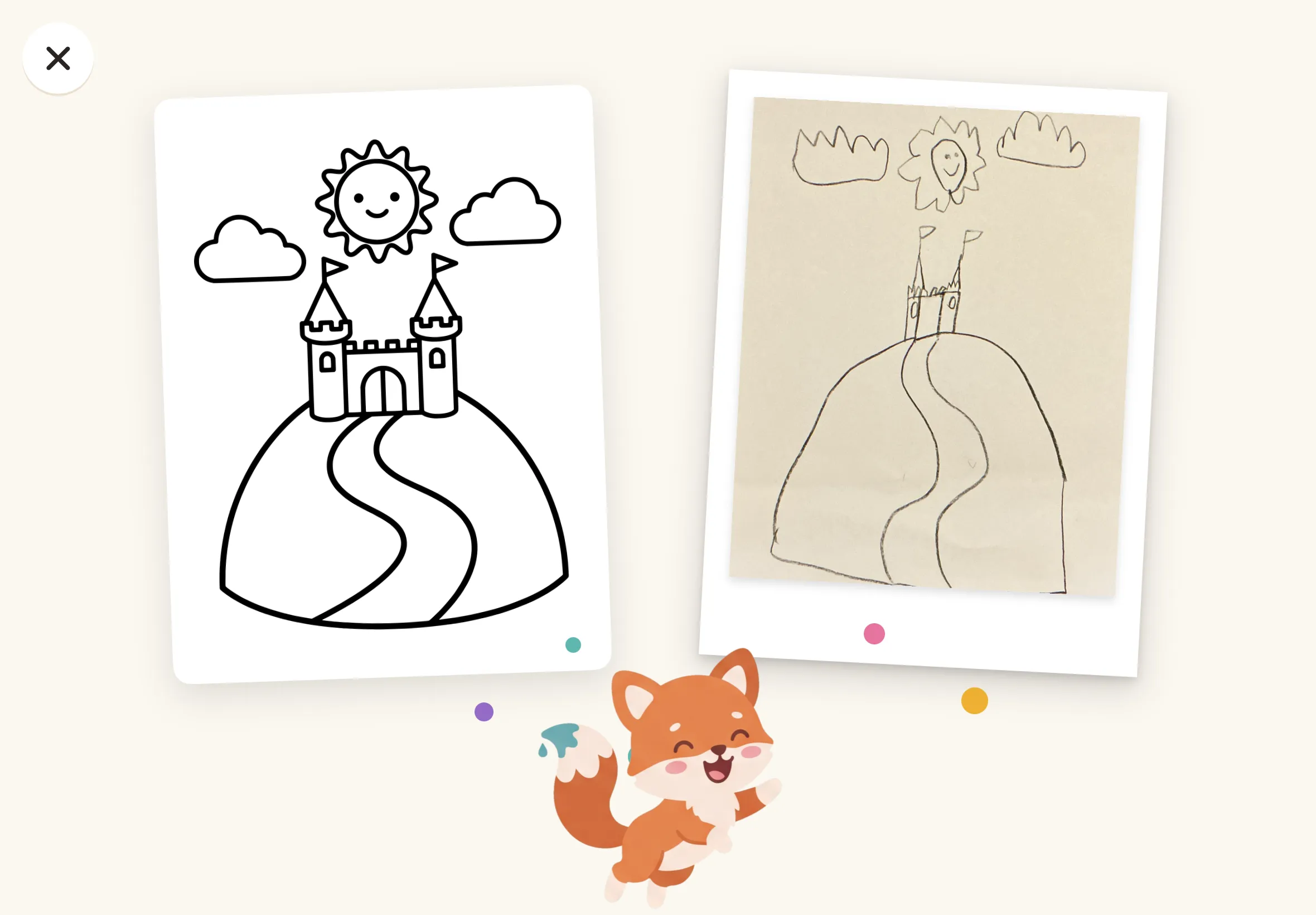
4Take a photo at the end
Every finished drawing is collected in your child’s own gallery, ready to show mum and dad.
Skip Google.
Give them Rable.
You know how it goes: your child wants to draw a princess, you search online and find a picture on a page full of ads. Then your child has to tap the iPad every minute so the screen doesn’t go dark. That is what we want to do better. The drawings in Rable are made for one thing: to be copied.
- Thick, even lines
- Closed shapes, no shading
- One big subject on each sheet
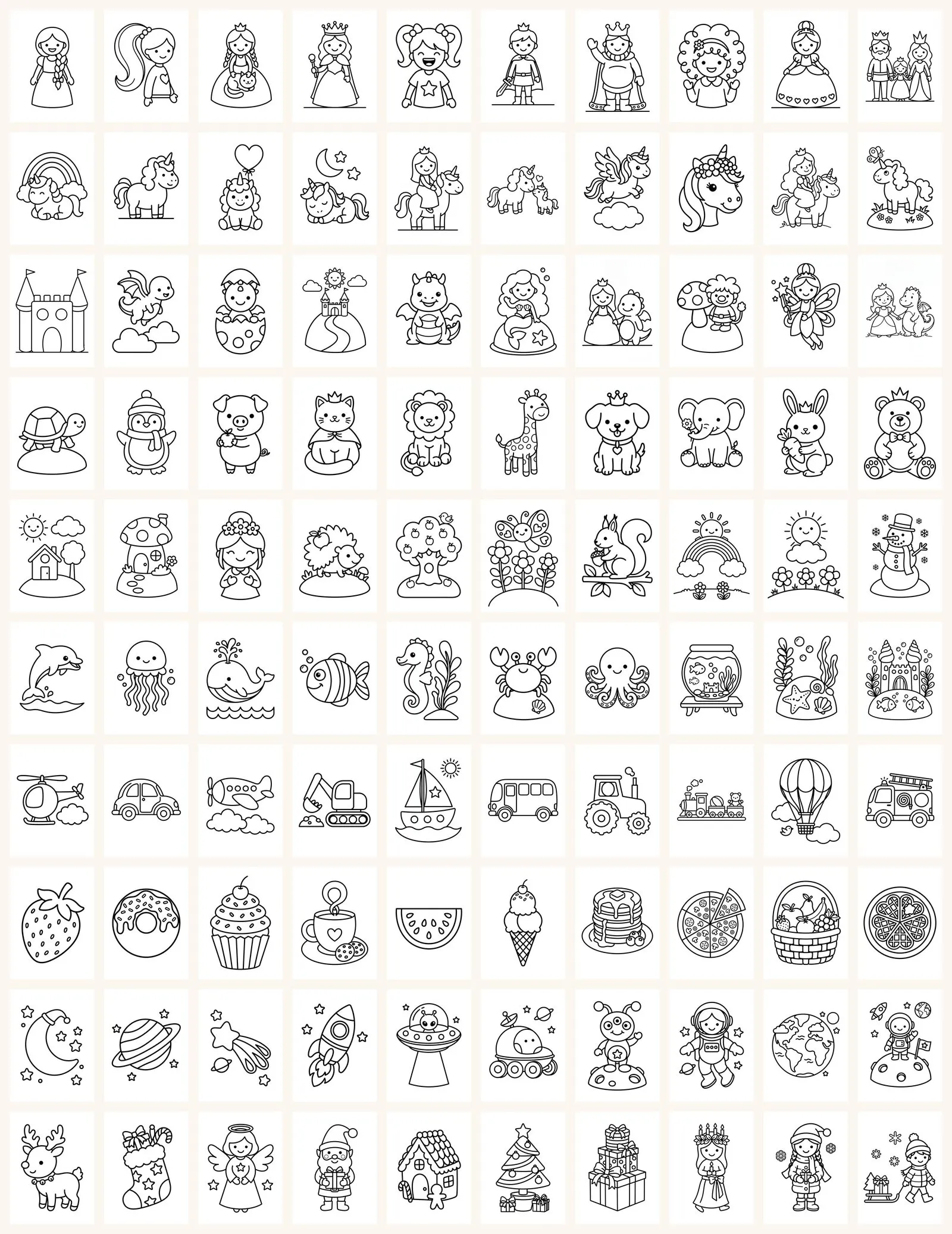
100 drawings.
Ten categories.
Princesses, unicorns, fairy tales, animals, the outdoors, the ocean, vehicles, food, space and Christmas. Each category starts with the simplest drawings and gets gradually harder, so your child finds their own level without anyone calling it a level.


We don’t score how close it comes…
And that’s on purpose.
When a child copies a princess, they draw their princess. Maybe she gets three arms. Maybe the cat gets a crown. How close it came isn’t the point, and the app doesn’t make it one either. There are no stars or points. Rable is proud no matter what.
A little tip for you: “Tell me about it” gives more than “that looks just like it”. Ask what the princess is called, where the dragon is going, or why the cat has a crown.
Simple tools that help your child draw
Three ways to see the sheet. Your child switches with the buttons on the right-hand edge.
The sheet fills the screen and stays there
The drawing lies like a white sheet of paper in the middle of the screen, with nothing around it. The screen doesn’t go dark while the sheet is open.
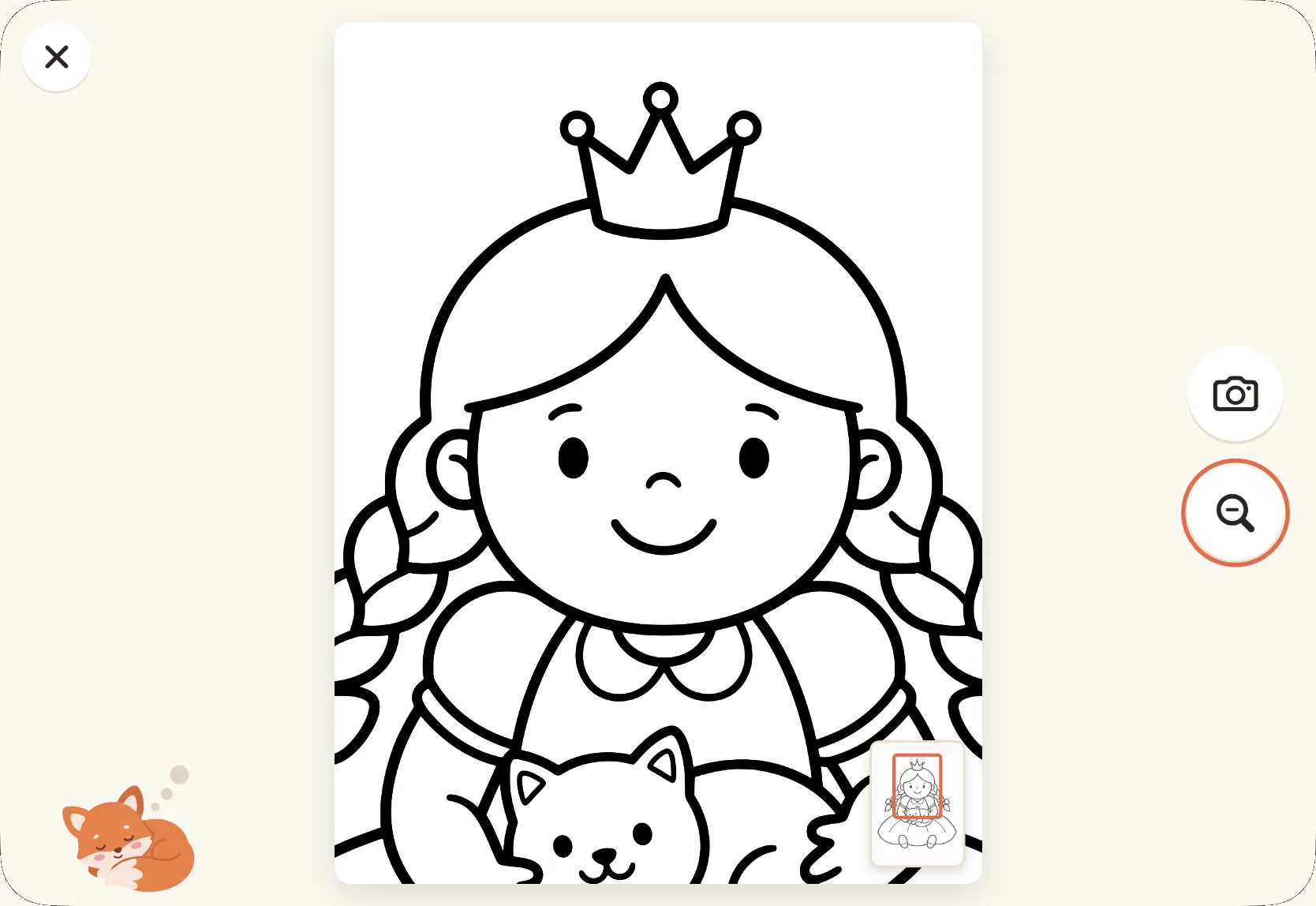
The magnifier makes the sheet twice as big
One tap on the magnifier, and the sheet pops up to double size. That makes it easy to look closely at an eye or a crown. A small map in the corner shows where on the sheet you are, and one finger drags the sheet around.
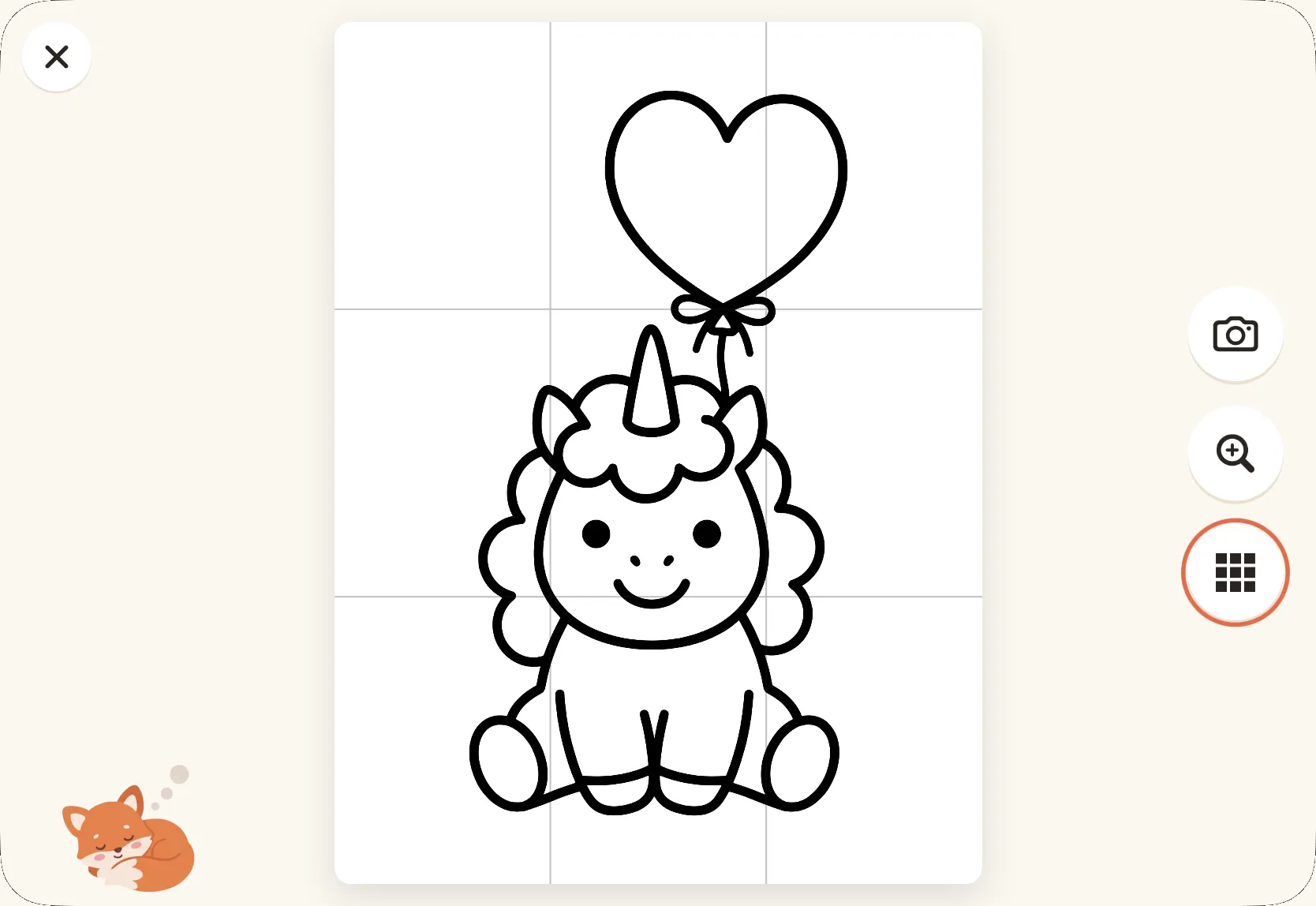
Grid help splits the sheet into nine
Thin lines in a three-by-three grid over the drawing. An old drawing technique: look at one square at a time and draw what is in it. You turn it on in parent mode, because we only recommend it for slightly older children.
Tip: stand the iPad next to the paper in a case that can stand up.
Collect all the drawings
The fridge door has moved into the iPad.
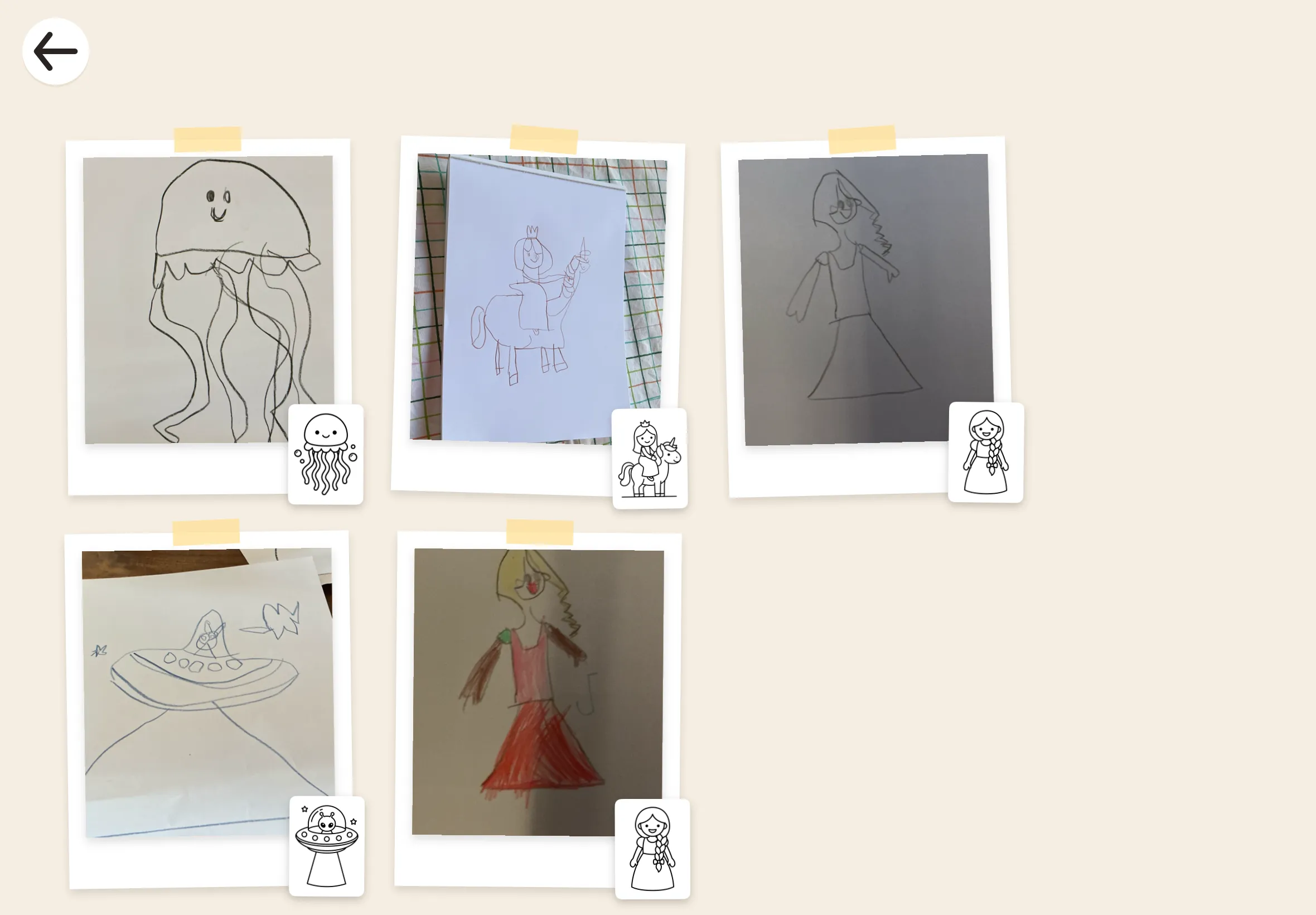
Every drawing your child photographs hangs on the wall in My drawings. It’s the collection your child shows the grandparents, and it grows with every drawing.
In the roll, a drawing your child has done gets a small polaroid in the corner. Then your child can see what they have drawn before, and draw it again. Or find a new one.
Why a fox?
Because a fox with a paintbrush for a tail can draw wherever it goes.

For the grown-ups
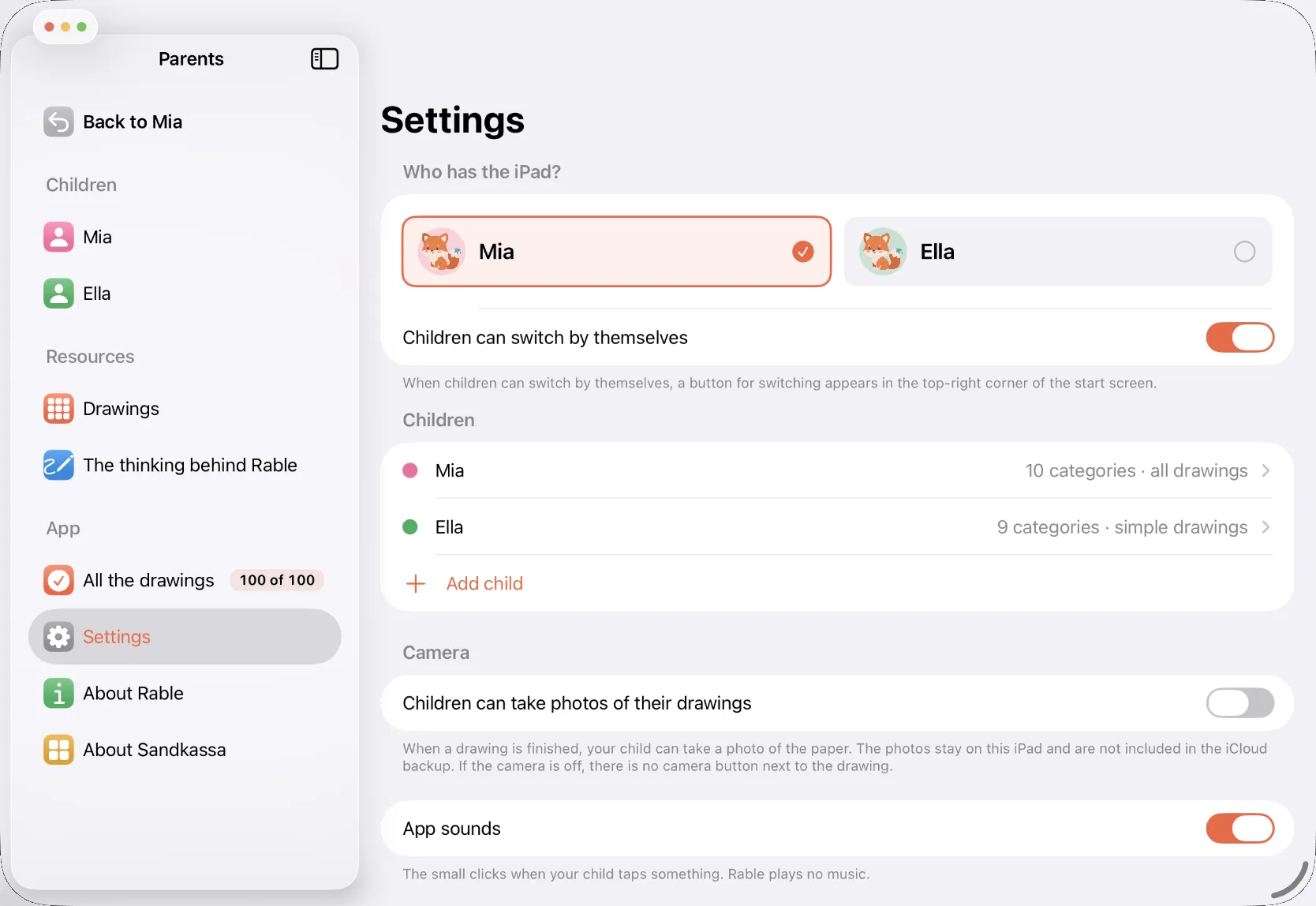
Behind the parental gate you can choose what your child sees, look at all your child’s drawings and share them with the rest of the family.
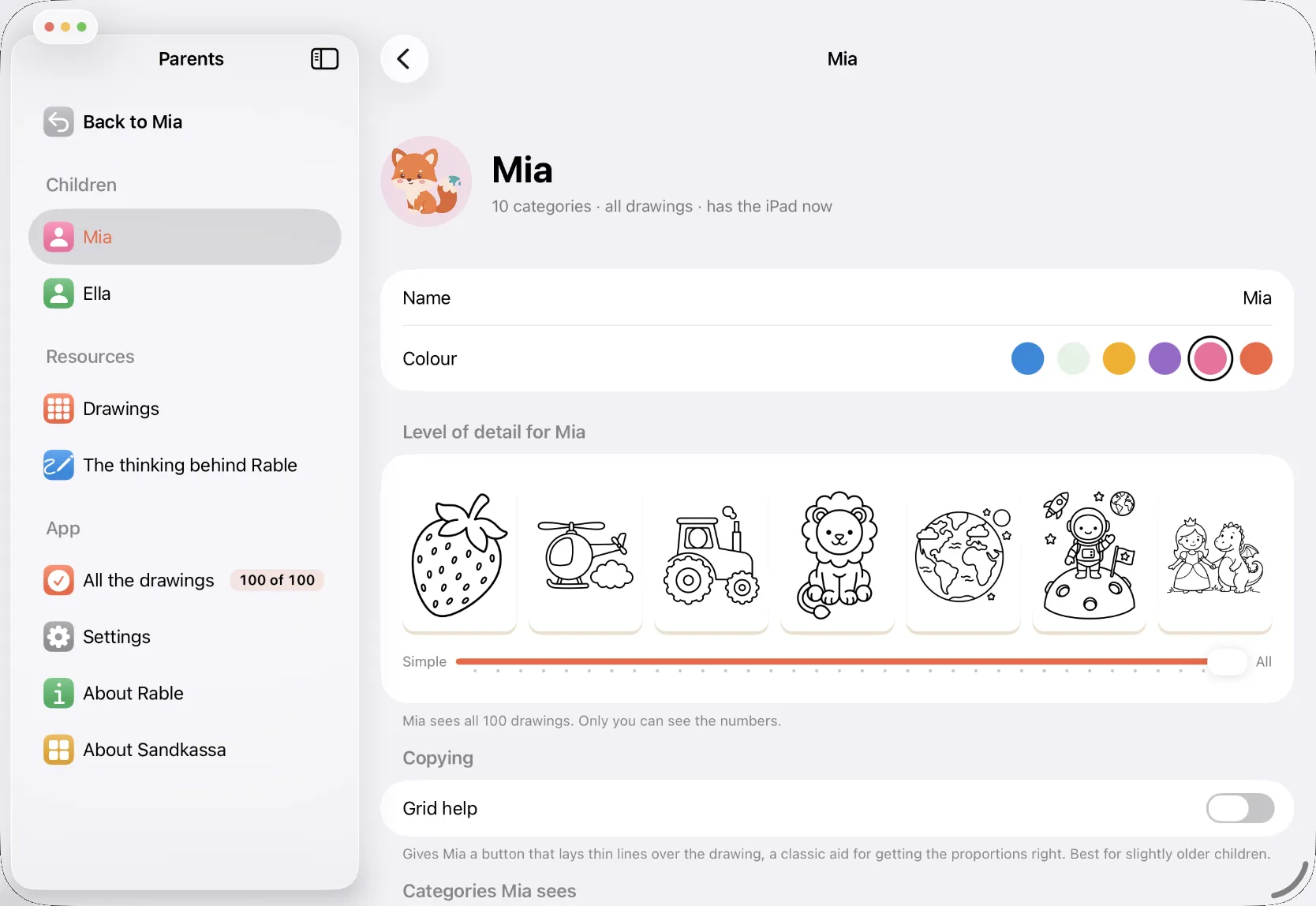
Choose the level of detail
We have sorted all our drawings by how complicated they are. You can make sure your child only gets drawings you know they can manage, so you avoid needless frustration and crumpled paper.
See every drawing
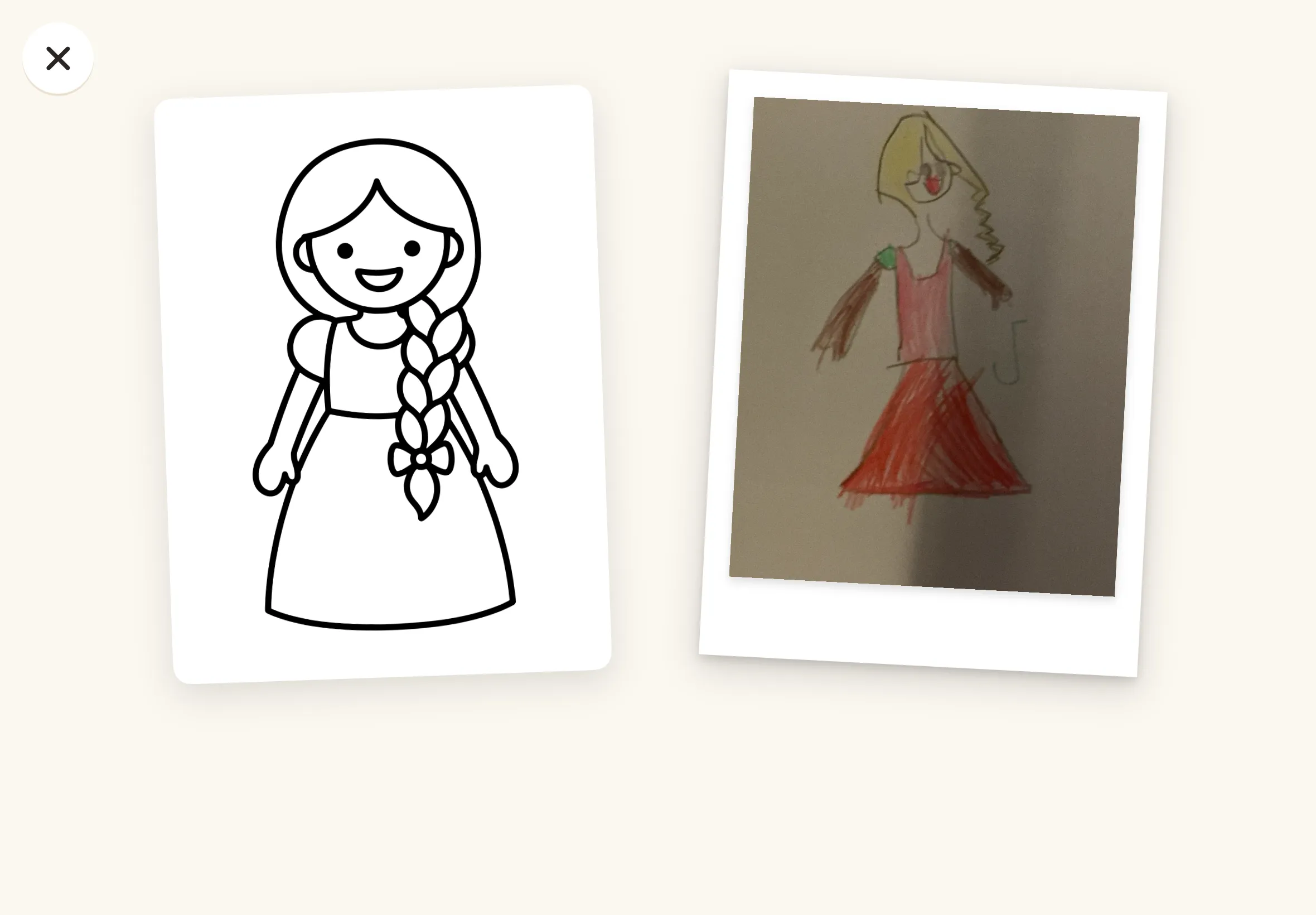
Every drawing sits next to its original. Share a couple with grandma, or make a PDF of all of them as a sketchbook. Then you never lose the originals.
Up to six children
On the same iPad, each with their own name, colour and collection. So you don’t have to buy an iPad for each child.
New drawings come with it. If new drawings arrive in an update, you get them free once you have bought the app.
What Rable won’t do
- No drawing on the screen
- No points, stars or timer
- No judging the drawing
- No ads
- No subscription
- No account and no tracking
- No internet needed
Photos stay on the iPad
The camera is only used when your child presses the camera button in a drawing. The photos are saved in the app on the iPad. They are never sent anywhere, and they disappear when you delete the child or the app. They only leave the iPad if you share them.
Try it for free
Two drawings in each of the ten categories are free, 20 in all, so your child can try everything before you decide. Free to try, one purchase unlocks everything, shared with your family: all 100 drawings. No ads, no subscription. We really don’t like them.
Why Rable exists
Our older daughter is five, and she loves to draw. She likes copying other drawings to learn how to draw new things. We searched online for drawings for a long time, but it never worked very well. So we made her an app. Every subject in Rable is her idea.
Rable comes from Sandkassa, a small family company in Oslo that makes calm apps for children, with Nordic ideas about childhood.
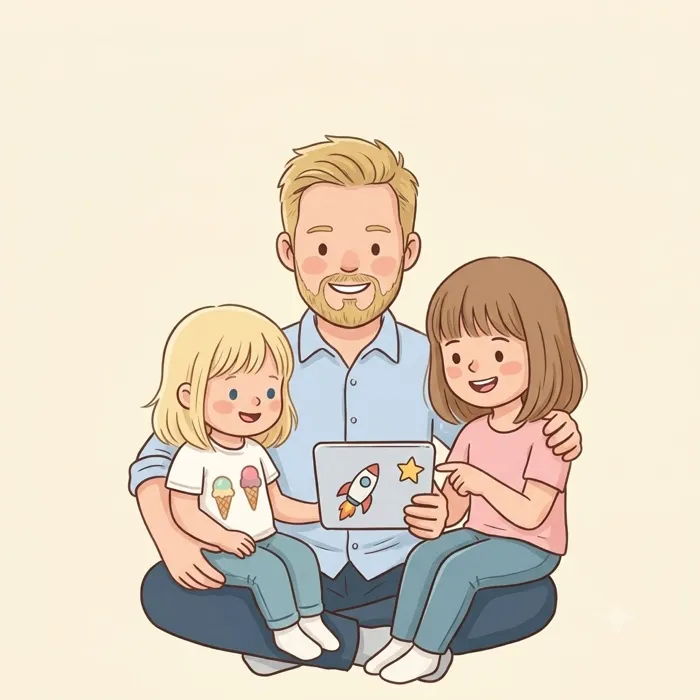
Made for two girls aged five and three. Perhaps it suits yours too.
Your questions
- How old should my child be?
- From about three, when the pencil starts doing what it’s told, and for as long as your child enjoys copying drawings. The simplest drawings are a strawberry and a tortoise. The most detailed is a whole royal family. You choose how detailed for each child.
- Does my child need to read?
- No. The only words your child sees are the names of the categories and of the two doors.
- Can my child colour in the app?
- No. Rable is for copying on paper. The colours come afterwards, on the paper.
- What else do we need?
- Paper and something to draw with. An iPad case that can stand up makes it easier.
- Does it work offline?
- Yes, all of it.
- Which languages is Rable in?
- English, Swedish, Danish, German and Norwegian. Rable follows the iPad’s language, and uses English for any other language.
- What happens to the photos my child takes?
- They stay in the app on the iPad. They are never sent anywhere, and they disappear when you delete the child or the app. You can share them or make a PDF yourself.
- Can siblings use the same iPad?
- Yes, up to six children, each with their own collection and their own limit for how detailed the drawings are.
- Is there an iPhone version?
- No, iPad only. The drawing needs to be big enough to copy.
- Will there be more drawings?
- We’re not promising anything, but if there’s something your child would like to draw, we’d love to hear about it.